
Getting Started
To get started, you will need to go through the following steps:
Create a Developer Account
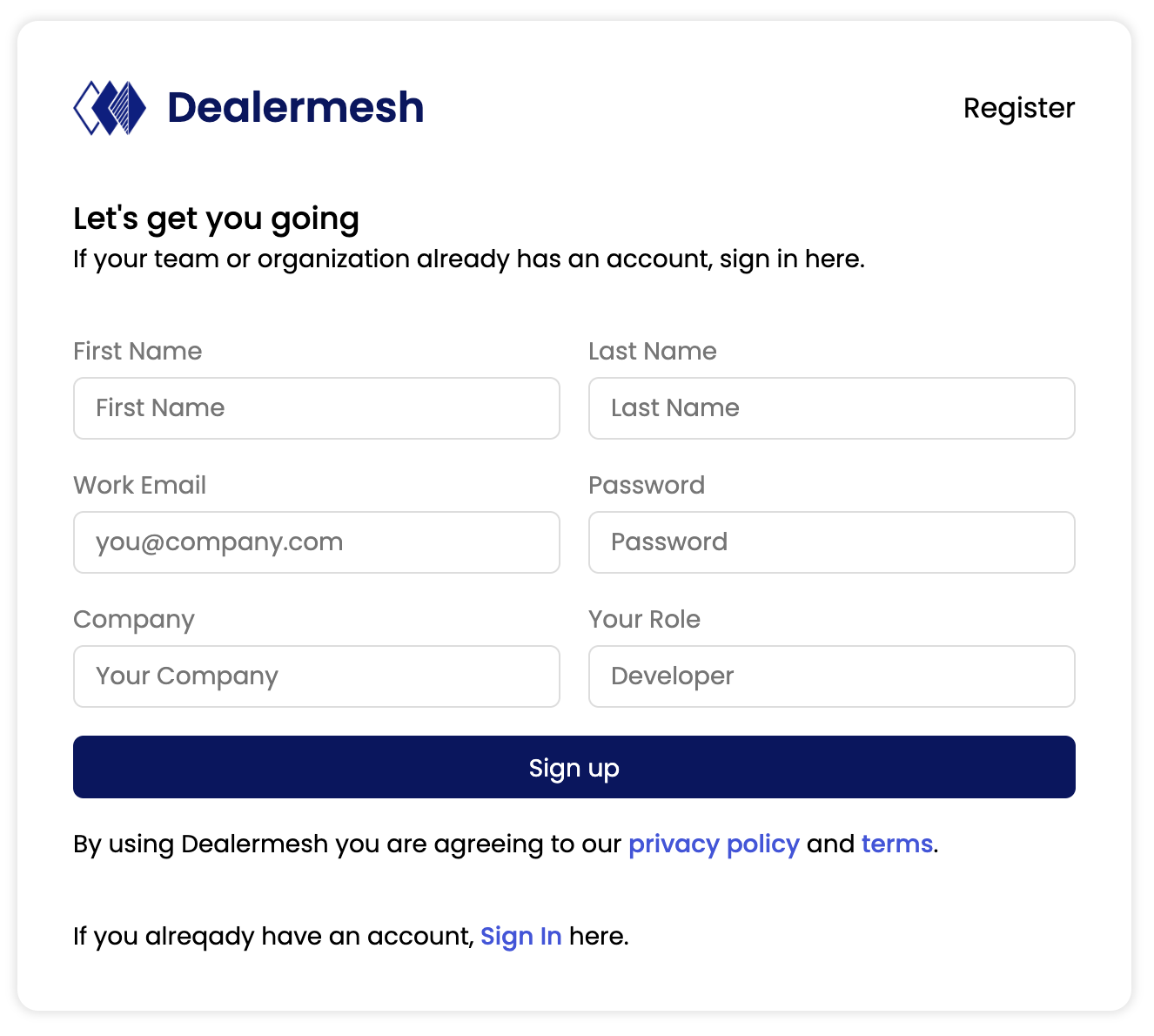
To use the Dealermesh platform, you will first need to register as a developer. To register please visit the following link: https://dealermesh.com/register
You will need to provide the following information:
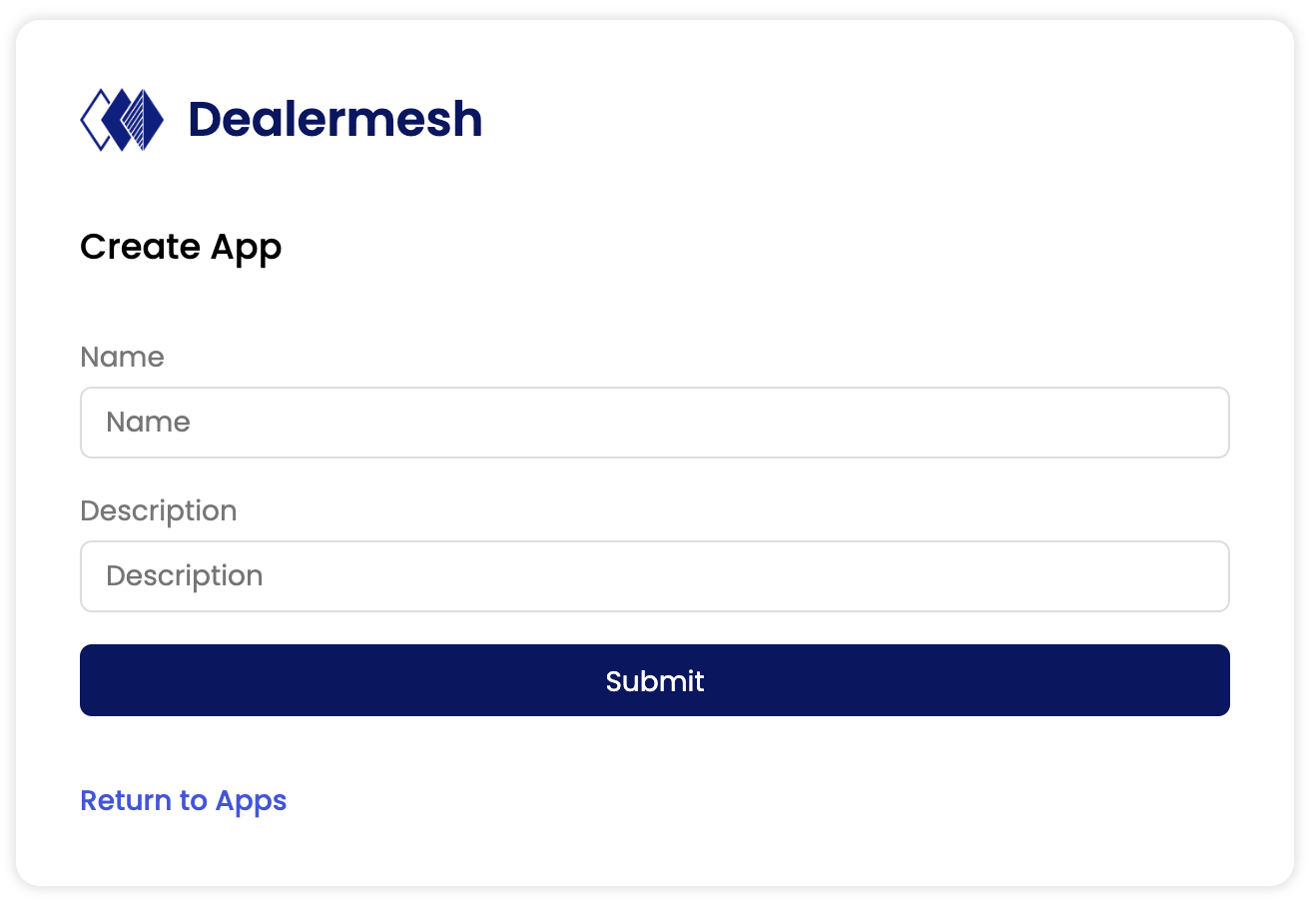
Create your first app
Next you need to create an app to use the platform. Just provide a name and description of your app. https://dealermesh.com/console/apps
Generate your access tokens
You will have to generate the access tokens, that you will need to make api calls to the Dealermesh platform.
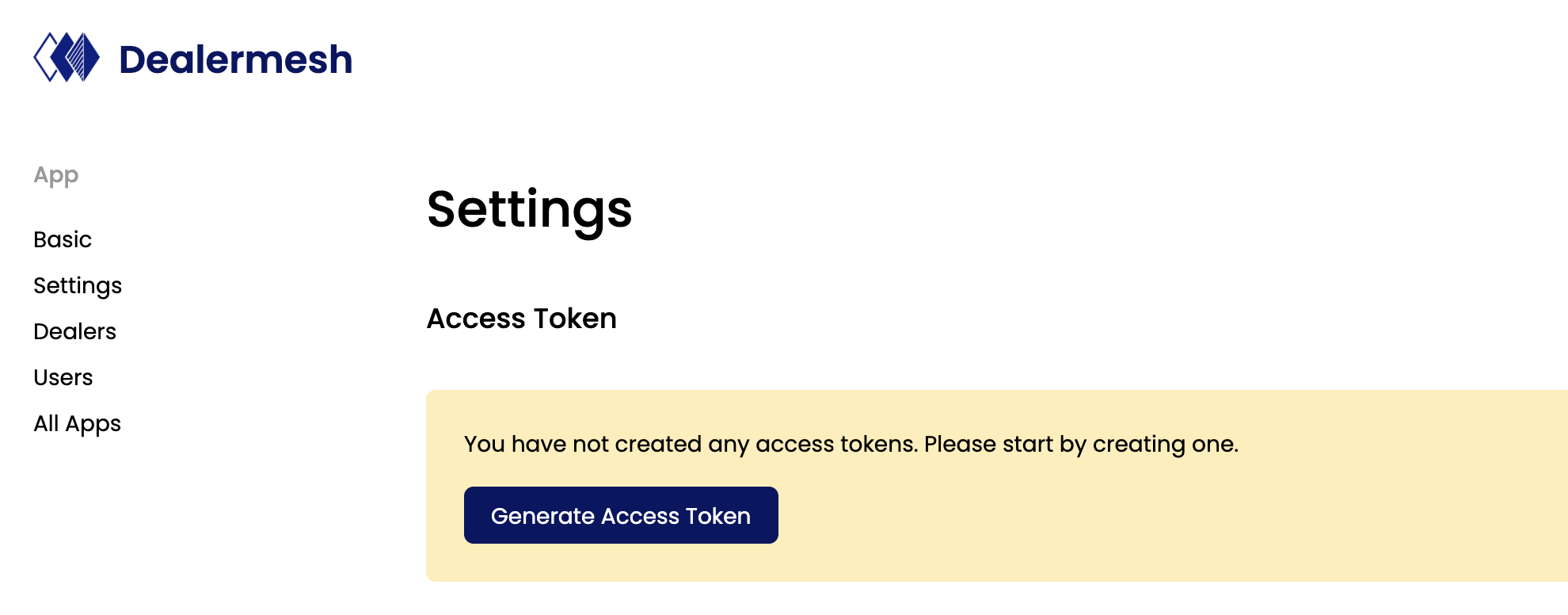
There are 2 types of tokens:
Access Token - This is the token you will need to provide API calls. This token is a short lived token and will expire in 24 hours.

Refresh Token - This token is used to generate another access token, when it has expired. Please note that you will only have access to this refresh token once, when you generate the access tokens for the first time. Please copy the refresh token and save it in a secure storage, so it can be reused in the future to generate new access tokens.
Never share your refresh token. The api to get a new access token using the refresh token should only be called from the server side. Do not expose your refresh toke on the UI.

Refreshing Access Tokens
Just click on the "Refresh" button to get a new access token.
When you are using the API or UI Components, please note that you will need to refresh the access token every 24 hours. To do so save the refresh token in your database and use the following api to refresh it.
Response:
Forgot your Refresh token
No problem. Just delete the access token and re-generate a new one. You will get a new refresh token and make sure you copy it.
Note: When you refresh or delete access token, all previous tokens will be marked as expired. You can only have one access token and refresh token active at a time.
Configure your dealers
Let's setup some dealers for you to get going. Note that you will need to have approval from the dealer to set them up and have their third party credentials to get the integration to work correctly. Please refer to the following section for more details: Setting up Dealers
Last updated